Best AI Tools for Writing Technical Documentation in 2026
Technical documentation has a narrower margin for error than almost any other kind of writing — a vague sentence in a marketing blog is forgivable, a vague sentence in an API reference breaks someone’s integration at 2am. The best AI tools for writing technical documentation in 2026 aren’t the flashiest ones; they’re the ones that keep docs accurate, consistent, and in sync with the product they describe.
What Technical Docs Need That Generic AI Writing Doesn’t Provide
- Consistency across hundreds of pages — the same term, the same formatting pattern, the same voice, whether it’s page 3 or page 300.
- Accuracy tied to the actual codebase — docs that drift from what the software actually does are worse than no docs at all.
- Structured, scannable formatting — headers, code blocks, and parameter tables that a developer can scan in seconds, not paragraphs to read top to bottom.
Top Tools for AI-Assisted Technical Documentation
1. Mintlify
Mintlify auto-generates API reference documentation directly from your codebase and OpenAPI specs, which solves the drift problem at the source — docs regenerate when the underlying code changes instead of silently going stale.
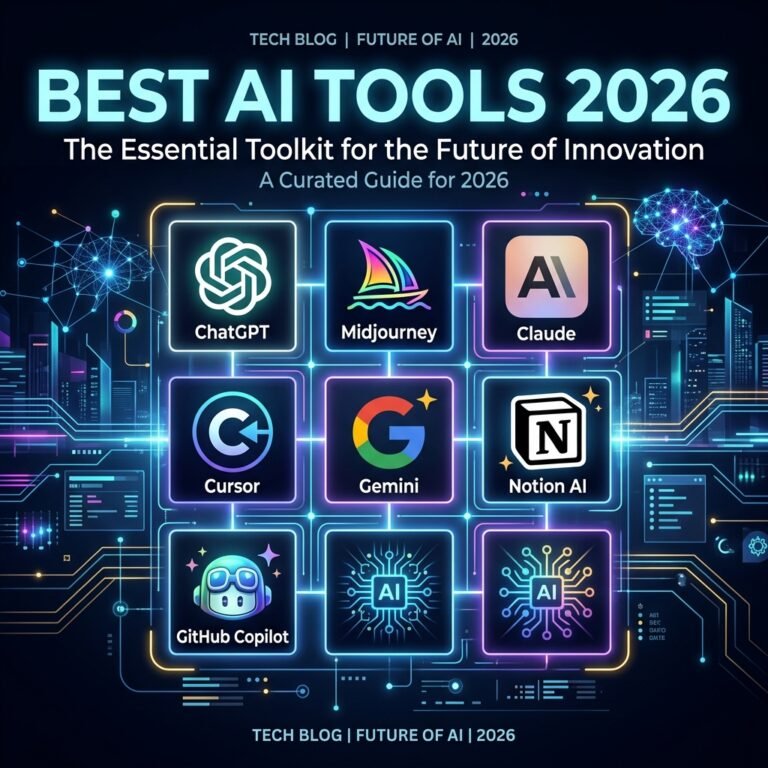
2. Claude or ChatGPT for Drafting Guides and Explanations
For conceptual documentation — getting-started guides, architecture explanations, troubleshooting pages — a general-purpose assistant is still the strongest option, especially when you feed it your actual code or config files as context rather than asking it to guess at behavior.
3. Docusaurus or GitBook With an AI Writing Plugin
These documentation platforms increasingly bundle AI drafting and search features directly, letting a small team maintain something that looks and behaves like enterprise-grade docs without a dedicated technical writer.
4. GitHub Copilot for Inline Code Comments
Documentation starts at the code level — well-commented code makes every downstream doc easier to write accurately, and Copilot-style tools are genuinely good at drafting docstrings and inline comments from the surrounding code.
A Workflow That Keeps Docs From Going Stale
- Generate reference documentation (API endpoints, parameters) directly from code or specs, not from a human’s memory of what the API does.
- Use AI to draft conceptual guides, but always test the steps yourself before publishing — an AI-written tutorial that skips an implicit setup step is a common failure mode.
- Set up a recurring review — quarterly at minimum — where docs are checked against the current product, not just written once and left.
This same discipline of verifying AI output against ground truth is central to reviewing AI-written code for security issues — documentation and code have the same “looks right but wasn’t checked” failure mode.
Formatting That Actually Helps Developers
Good technical docs share a few structural habits regardless of which tool wrote the first draft: a short summary at the top of every page, parameters in a table rather than a paragraph, and a runnable code example before a long prose explanation. Ask your AI tool explicitly for this structure — most default to more prose-heavy output unless prompted otherwise.
Frequently Asked Questions
Can AI documentation tools fully replace a technical writer?
For reference docs generated directly from code, largely yes. For conceptual guides, tutorials, and anything requiring judgment about what a new user actually needs explained, human review remains essential.
How do I keep AI-generated docs from drifting out of sync with the product?
Prefer tools that regenerate reference docs from source (specs, code comments) rather than static AI-written pages that need manual updates every release.
What’s the biggest mistake teams make with AI documentation tools?
Publishing AI-drafted steps without actually running them — an AI can write a plausible-sounding setup guide that skips a step a human would have caught by testing it.
The Bottom Line
AI tools have made technical documentation dramatically faster to produce, but the tools that matter most are the ones tied to your actual source of truth — code, specs, config — rather than the ones that write the most polished-sounding prose from a vague prompt. Pair generation with a real verification habit, and documentation stops being the part of the release that always falls behind.