
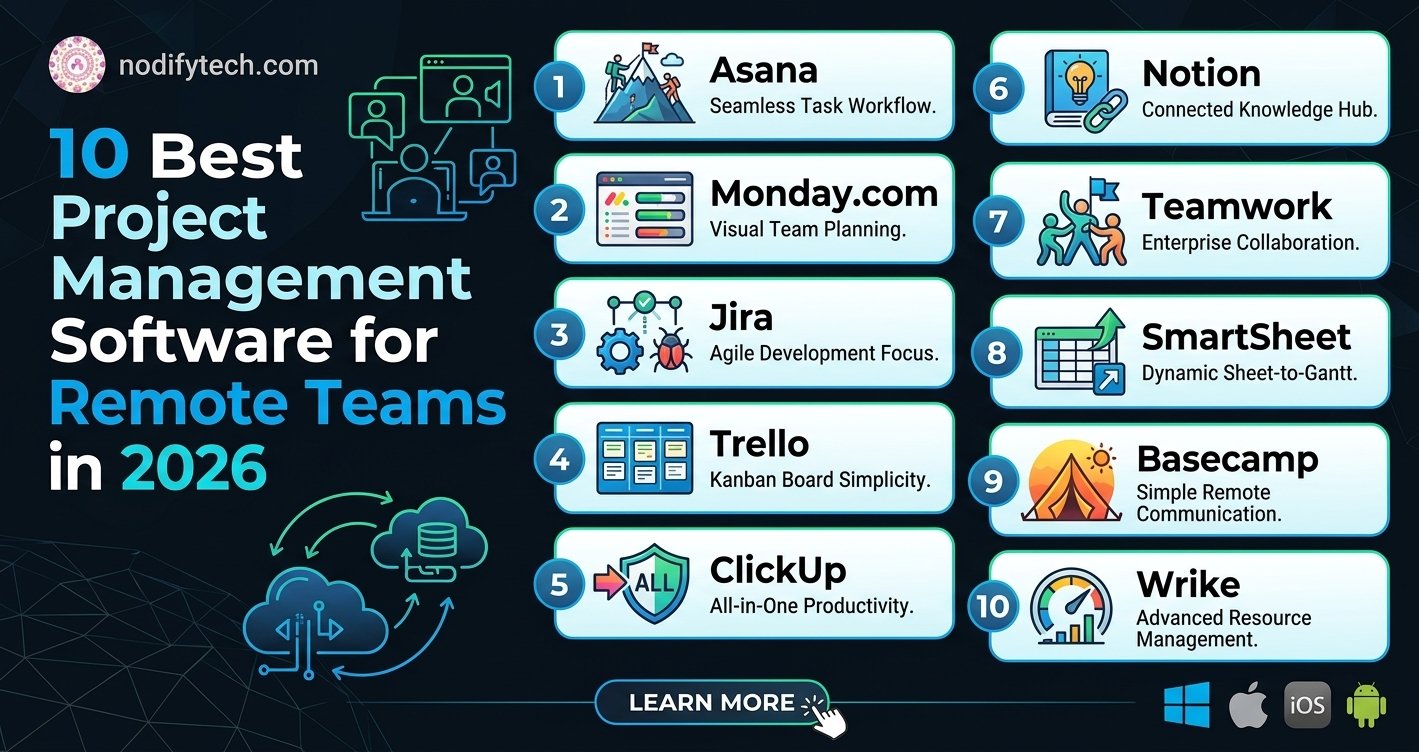
10 Best Project Management Software for Remote Teams in 2026
Picking project management software for remote teams takes more than a features checklist — it has to hold up across time zones with no office to fall back on. Here are the 10 best options for keeping a distributed team organized in 2026.
- Why Remote Teams Need the Right Project Management Software?
- How We Evaluated These Tools
- 10 Best Project Management Software for Remote Teams
- Feature Comparison Table
- 💡 How NodifyTech Helps You Choose the Right Software
- Which Tool Should You Choose?
- FAQs
- What is the best project management software for remote teams in 2026?
- Which project management tool has the best free plan?
- Is Asana better than Monday.com for remote teams?
- What project management software is best for software development teams?
- How much should a remote team budget for project management software?
- Final Thoughts
- Key Takeaways: Project Management Software for Remote Teams
Why Remote Teams Need the Right Project Management Software?
Managing a remote team in 2026 is not the same as it was even two years ago. Teams are more distributed than ever — spanning multiple countries, time zones, and work styles. The old way of running projects through email threads and spreadsheets simply does not work anymore.
The right project management software gives your remote team a single source of truth. It replaces scattered conversations with structured workflows, missed deadlines with clear accountability, and confusion with transparency.
But here is the real challenge: there are dozens of tools competing for your attention, each claiming to be the best. Some are built for developers. Some are designed for creative agencies. Others are optimized for enterprise operations. Choosing the wrong one wastes money, frustrates your team, and slows down productivity.
This guide cuts through the noise. We have tested, compared, and ranked the 10 best project management software tools for remote teams in 2026 — so you can make a confident, informed decision.
How We Evaluated These Tools
Before diving into the list, here is what we looked for when ranking each tool:
- Ease of use — Can a new team member onboard within a day?
- Remote collaboration features — Real-time updates, comments, @mentions, file sharing
- Integrations — Slack, Google Workspace, Zoom, GitHub, and more
- Pricing transparency — No hidden fees or confusing tier structures
- Mobile experience — Because remote teams are not always at a desk
- Scalability — Works for a 5-person startup and a 500-person enterprise
- Automation capabilities — Reduces manual work across repetitive tasks
- Customer support quality — Especially important when your team is stuck
10 Best Project Management Software for Remote Teams
1. Asana
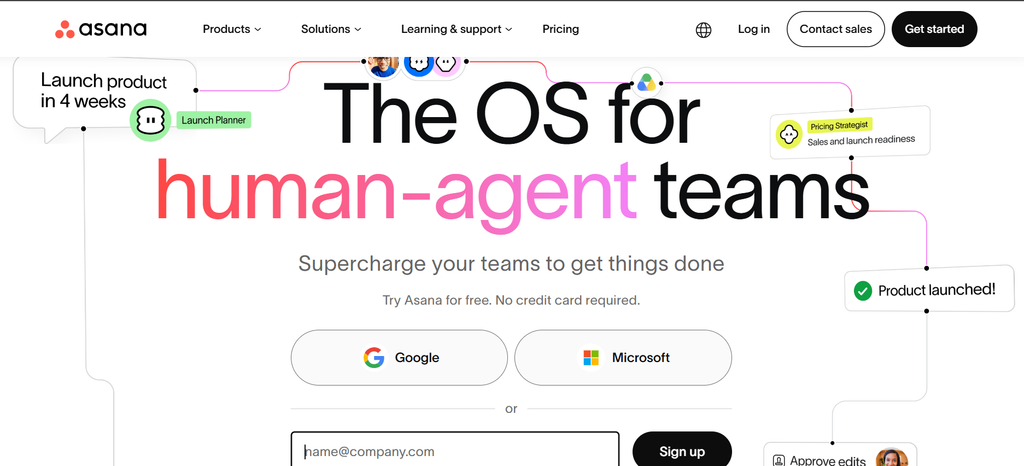
Best for: Mid-to-large remote teams that need structured workflows
Asana has been a staple in remote project management for years, and in 2026 it remains one of the most polished tools on the market. Its interface is clean, intuitive, and flexible enough to support everything from simple task lists to complex multi-phase project timelines.
Key Features
- Multiple project views — List, Board, Timeline (Gantt), Calendar, and Workload views
- Task dependencies — Link tasks so teams know what needs to be completed first
- Goals and OKR tracking — Align team tasks to larger business objectives
- Automation rules — Trigger actions automatically based on task changes
- Asana Intelligence (AI) — Smart summaries, priority suggestions, and status updates powered by AI
- 100+ integrations — Slack, Microsoft Teams, Google Drive, Zoom, Salesforce
Pros & Cons
| Pros | Cons |
|---|---|
| Excellent UI — easy for all skill levels | Free plan is limited for larger teams |
| Strong automation and rule builder | Timeline view only on paid plans |
| AI features genuinely save time in 2026 | Can feel overwhelming for very small teams |
| Robust reporting and dashboards | No built-in time tracking |
| Top-tier mobile app | Pricing jumps sharply at the Business tier |
Pricing: Free plan available. Premium starts at $10.99/user/month. Business at $24.99/user/month.
Verdict: Asana is the go-to choice for remote teams that need structure, visibility, and scalability without sacrificing usability.
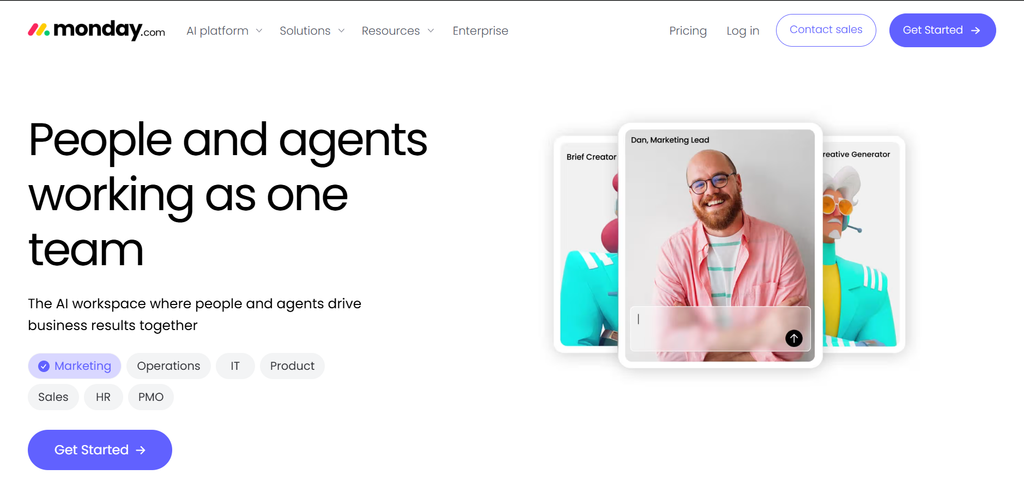
2. Monday.com
Best for: Teams that want a visually flexible, customizable workspace
Monday.com is one of the most visually dynamic project management tools available. It operates on a “Work OS” model — meaning you can build virtually any workflow you want using its block-based interface.
Key Features
- Highly customizable boards — Adapt columns, views, and workflows to match your team’s process
- Automations and integrations — 200+ apps plus no-code automation recipes
- Monday AI — Auto-generate task summaries, suggest action items, and classify priorities
- Time tracking — Built in, no third-party needed
- Dashboards — Real-time project health across multiple boards
Pricing: Free for up to 2 seats. Basic starts at $9/seat/month. Standard at $12, Pro at $19.
Verdict: If your team values visual flexibility and customization above all else, Monday.com delivers in a big way.
3. ClickUp
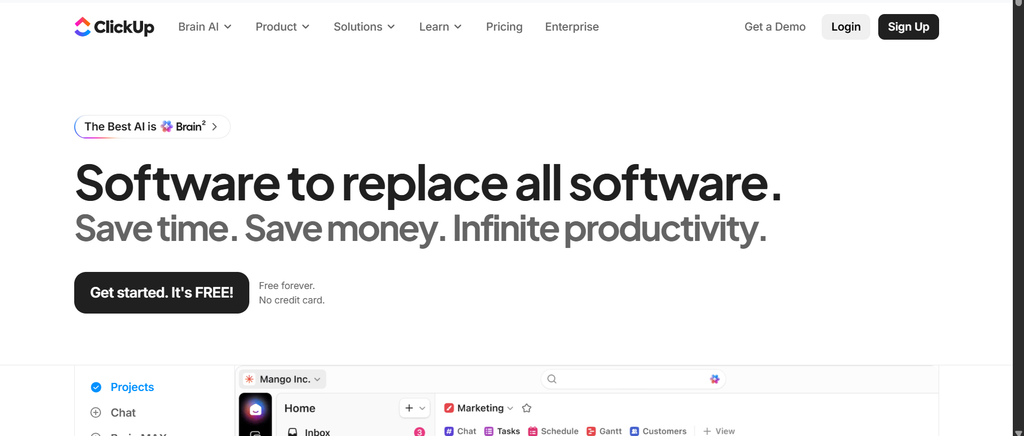
Best for: Teams that want an all-in-one platform to replace multiple apps
ClickUp’s tagline is “one app to replace them all” — and in 2026, it comes closer to delivering on that promise than almost any other tool. It combines task management, docs, whiteboards, time tracking, goals, and chat in a single interface.
Key Features
- ClickUp Brain (AI) — Write task descriptions, generate summaries, answer questions from your workspace
- 15+ views — Including Mind Map, Gantt, Workload, Table, and Embed
- Custom statuses, fields, and workflows — Per space, folder, or list
- Native Docs — Collaborative documents linked directly to tasks
- Built-in time tracking and reporting
- Generous free plan — Best in class for what it offers at no cost
Pricing: Free forever plan. Unlimited at $7/user/month. Business at $12/user/month.
Verdict: ClickUp is the best value-for-money tool on this list. If you want maximum features at the lowest cost, this is your answer.
4. Notion
Best for: Knowledge-driven teams that combine documentation with task management
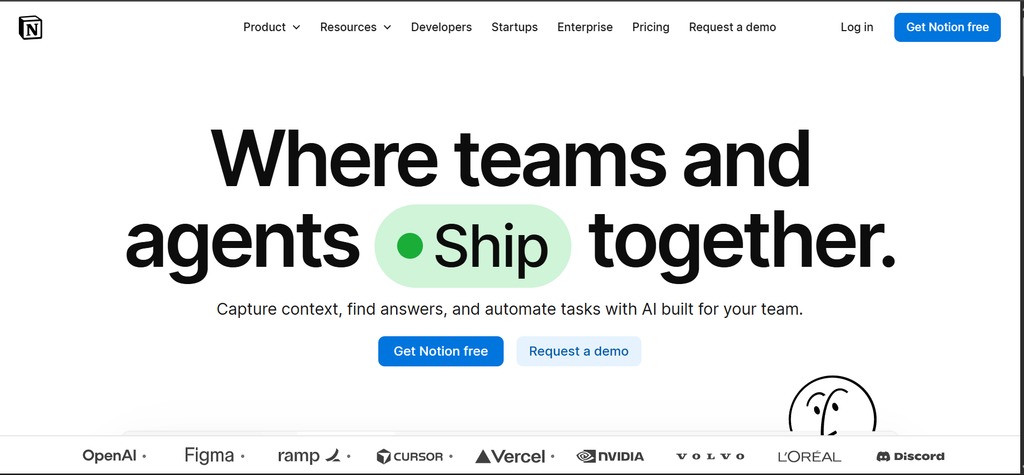
Notion started as a note-taking app and evolved into a full-blown workspace. In 2026, with Notion AI baked into every corner of the product, it is now a legitimate project management solution — especially for teams that live and breathe documentation.
Key Features
- Notion AI — Write, summarize, translate, and extract data from any page
- Databases — Combine tasks, wikis, calendars, and spreadsheets in one view
- Templates — Hundreds of ready-made project templates
- Team wikis — Perfect for remote team onboarding and knowledge sharing
- Real-time collaboration — Multiple team members can edit simultaneously
Pricing: Free plan available. Plus at $10/user/month. Business at $15/user/month.
Verdict: Notion is not a traditional project manager — it is a flexible workspace. Teams that blend project work with heavy documentation will love it.
5. Trello
Best for: Small teams or beginners who prefer visual Kanban boards
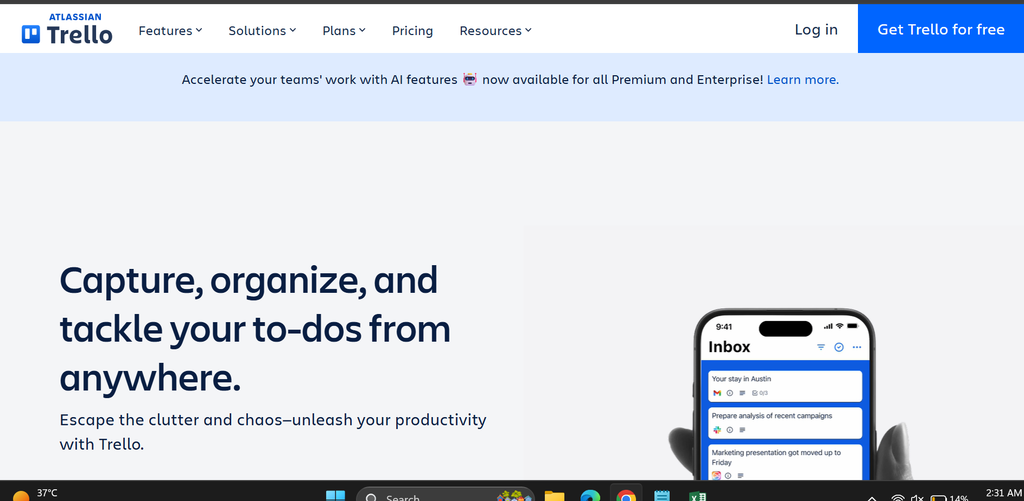
Trello is the simplest tool on this list, and that is exactly its superpower. If your team is new to project management software or simply wants a no-fuss Kanban board, Trello delivers without overwhelming anyone.
Key Features
- Kanban boards — Drag-and-drop simplicity
- Power-Ups — Add integrations like Slack, Jira, Google Drive, and Calendars
- Automation (Butler) — Simple rule-based automation without code
- Card aging — Visually shows stale cards to avoid neglected tasks
- Timeline and Calendar views — Available on paid plans
Pricing: Free plan available. Standard at $5/user/month. Premium at $10/user/month.
Verdict: Trello is perfect for small remote teams that want to get started quickly without a steep learning curve.\
6. Jira
Best for: Software development and engineering remote teams
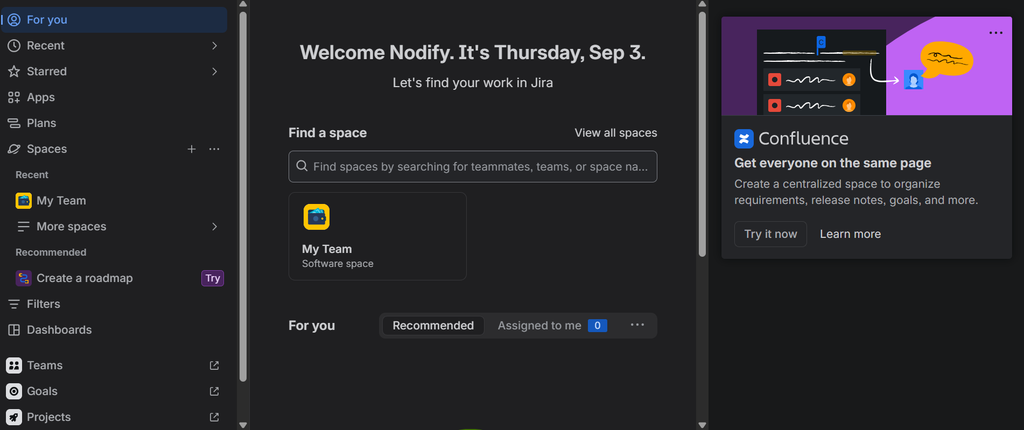
Jira by Atlassian is the industry standard for software teams. If your remote team builds products, ships code, and tracks bugs, Jira is designed specifically for you.
Key Features
- Scrum and Kanban boards — Built for agile development teams
- Backlog management — Prioritize and manage sprints efficiently
- Advanced roadmaps — Plan across multiple teams and quarters
- Deep GitHub, Bitbucket, and CI/CD integrations
- Jira AI — Summarize issues, suggest acceptance criteria, auto-fill descriptions
Pricing: Free for up to 10 users. Standard at $7.75/user/month. Premium at $15.25/user/month.
Verdict: Non-technical teams may find Jira complex, but for engineering teams it is unmatched.
7. Basecamp
Best for: Remote teams that want simplicity and flat pricing
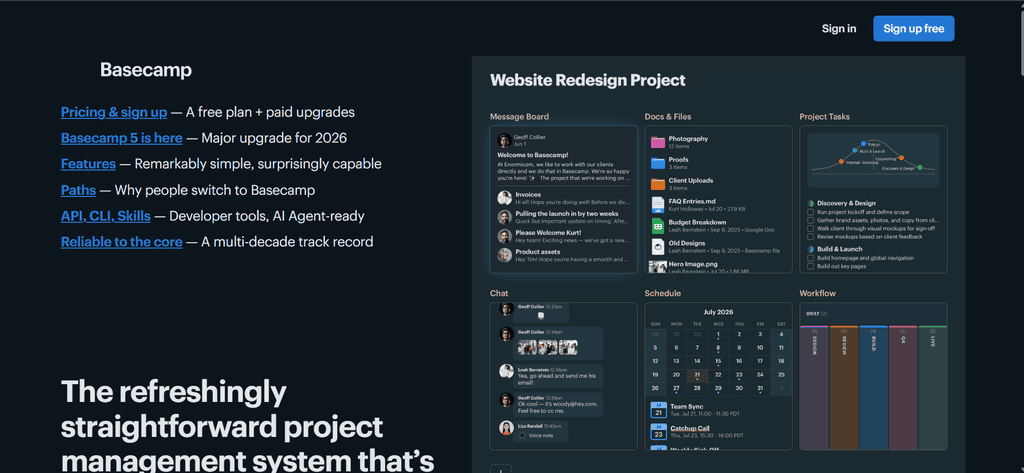
Basecamp takes a radically different approach — it is opinionated, minimalist, and charges a flat monthly fee instead of per-seat pricing. For larger remote teams, this can represent massive savings.
Key Features
- To-do lists, message boards, file storage, group chat — All in one place
- Hill Charts — Unique visual progress tracking
- Client access — Invite clients to specific projects without extra cost
- Automatic check-ins — Ask team members scheduled questions automatically
- Campfire chat — Built-in real-time team messaging
Pricing: Basecamp at $15/user/month. Basecamp Pro Unlimited at $299/month flat (unlimited users).
Verdict: If you have a team of 20+ people, Basecamp Pro Unlimited is one of the most cost-effective options available.
8. Teamwork
Best for: Client-facing remote teams and agencies
Teamwork is built specifically for teams that manage client projects. Its client billing, time tracking, and invoicing features make it the top choice for agencies, consultancies, and freelance teams.
Key Features
- Built-in time tracking and invoicing
- Client portals — Give clients a view into their specific projects
- Resource management — See who is overloaded across all projects
- Budget tracking — Monitor project profitability in real time
- Retainer management — Track recurring client work
Pricing: Free plan for up to 5 users. Starter at $5.99/user/month. Deliver at $9.99/user/month.
Verdict: If your remote team bills clients for time, Teamwork is the best purpose-built solution.
9. Wrike
Best for: Enterprise remote teams with complex reporting needs
Wrike is an enterprise-grade tool with some of the most powerful reporting, analytics, and security features in the market. It is especially strong for large organizations with compliance requirements.
Key Features
- Custom dashboards and real-time analytics
- Advanced request forms — Intake work from clients or internal stakeholders
- Proofing and approval workflows — Ideal for creative and marketing teams
- AI-powered risk prediction — Flags projects that may go off track
- Enterprise-grade security — SSO, audit logs, role-based access
Pricing: Free plan available. Team at $9.80/user/month. Business at $24.80/user/month. Enterprise pricing on request.
Verdict: Wrike is the right choice when your remote team needs enterprise-level control, visibility, and compliance.
10. Linear
Best for: Fast-moving product and engineering teams
Linear is the newest tool on this list — and it has quickly become a cult favourite among product and engineering teams. It is blazingly fast, keyboard-first, and stripped of everything unnecessary.
Key Features
- Instant performance — Sub-100ms interactions across the entire app
- Cycles (Sprints) — Lightweight sprint planning without the Jira complexity
- GitHub and GitLab sync — Issues auto-update based on PR and commit activity
- Linear AI — Generate issue descriptions, auto-triage bugs, summarize threads
- Opinionated workflows — Enforces good habits rather than giving endless options
Pricing: Free for up to 250 issues. Standard at $8/user/month. Plus at $14/user/month.
Verdict: If speed and simplicity matter more than feature breadth, Linear is the most enjoyable engineering tool to use daily.
Feature Comparison Table
| Tool | Best For | Free Plan | Starting Price | AI Features | Time Tracking | Client Access |
|---|---|---|---|---|---|---|
| Asana | Mid-large teams | ✅ | $10.99/user/mo | ✅ Yes | ❌ Add-on | ❌ |
| Monday.com | Visual flexibility | ✅ (2 seats) | $9/user/mo | ✅ Yes | ✅ Built-in | ✅ |
| ClickUp | All-in-one value | ✅ | $7/user/mo | ✅ Yes | ✅ Built-in | ✅ |
| Notion | Docs + tasks | ✅ | $10/user/mo | ✅ Yes | ❌ | ❌ |
| Trello | Beginners | ✅ | $5/user/mo | ✅ Limited | ❌ | ❌ |
| Jira | Dev teams | ✅ (10 users) | $7.75/user/mo | ✅ Yes | ❌ Add-on | ❌ |
| Basecamp | Flat pricing | ❌ | $15/user/mo | ❌ Limited | ❌ | ✅ |
| Teamwork | Client agencies | ✅ (5 users) | $5.99/user/mo | ✅ Limited | ✅ Built-in | ✅ |
| Wrike | Enterprise | ✅ | $9.80/user/mo | ✅ Yes | ✅ Built-in | ✅ |
| Linear | Engineering | ✅ | $8/user/mo | ✅ Yes | ❌ | ❌ |
💡 How NodifyTech Helps You Choose the Right Software
Choosing project management software is not just about features — it is about fit.
At NodifyTech, we go beyond surface-level comparisons. Our team puts each tool through hands-on testing, evaluates real user feedback, and applies structured scoring frameworks to give you evidence-based recommendations — not sponsored opinions.
Whether you are a solo founder scaling your first remote team or an operations lead at a 200-person company, NodifyTech provides side-by-side comparisons, use-case-specific guidance, and honest pros-and-cons breakdowns to simplify your software decisions.
We believe the best software is the one your team will actually use — and we help you figure out exactly which one that is.
Which Tool Should You Choose?
Here is a quick decision guide based on your team’s situation:
- You are a small startup just getting started → Start with Trello or ClickUp Free
- You need maximum features at a low price → Choose ClickUp
- Your team is engineering or product-focused → Go with Jira or Linear
- You run an agency or bill clients → Teamwork is purpose-built for you
- You have a large team and want flat pricing → Basecamp Pro Unlimited saves money
- You prioritize documentation alongside tasks → Notion fits perfectly
- You need enterprise security and compliance → Wrike or Asana Business
- You want the most visual and flexible tool → Monday.com
How to Choose Project Management Software for Your Team Size?

FAQs
What is the best project management software for remote teams in 2026?
There is no single best tool — it depends on your team size, budget, and working style. ClickUp offers the best overall value for most remote teams. Asana and Monday.com are better for mid-to-large teams that need strong reporting. Linear is the top choice for engineering teams.
Which project management tool has the best free plan?
ClickUp offers the most generous free plan in 2026, including unlimited tasks, multiple views, and access to many core features without any cost. Notion and Trello also offer solid free tiers for small teams.
Is Asana better than Monday.com for remote teams?
Both are excellent, but they serve slightly different needs. Asana is better for structured workflow management and goal tracking. Monday.com is better for teams that want maximum visual flexibility and customization. Try both free trials and see which interface your team naturally gravitates toward.
What project management software is best for software development teams?
Jira is the industry standard for agile software teams and integrates deeply with GitHub, Bitbucket, and CI/CD pipelines. Linear is an excellent modern alternative that many product teams prefer for its speed and simplicity.
How much should a remote team budget for project management software?
Most teams spend between $7 to $15 per user per month for a solid mid-tier plan. For a team of 10, that is roughly $70 to $150/month. If you have 20+ users, consider Basecamp Pro Unlimited at $299/month flat — it can be significantly cheaper at scale.
Final Thoughts
The right project management software does not just organize your tasks — it transforms how your remote team communicates, collaborates, and delivers results. In 2026, every tool on this list has matured significantly, especially with AI features that genuinely reduce manual work and improve visibility across projects.
Start with your biggest pain point:
- If your team misses deadlines → focus on accountability and timeline features (Asana, Wrike)
- If communication is broken → look at collaboration-first tools (Basecamp, ClickUp)
- If you need to track client work → choose Teamwork
- If your developers are frustrated → switch to Linear or Jira
Take advantage of free trials. Involve your team in the decision. And remember — the best tool is the one your team will actually open every morning.
Key Takeaways: Project Management Software for Remote Teams
The best project management software for remote teams is the one your team will actually keep updated, not the one with the longest feature list. If you’re automating handoffs between these tools, see our guide on building an AI automation workflow with n8n or Zapier.






3 Comments